Step-by-Step Guides to
Fix Your Devices
Practical troubleshooting, privacy setup, and hidden-feature guides for Android, iPhone, smart home, and wearables — clear steps you can follow today.
50+
Guides
50+
Step-by-step guides
5
Categories
Latest Guides
Clear, practical solutions
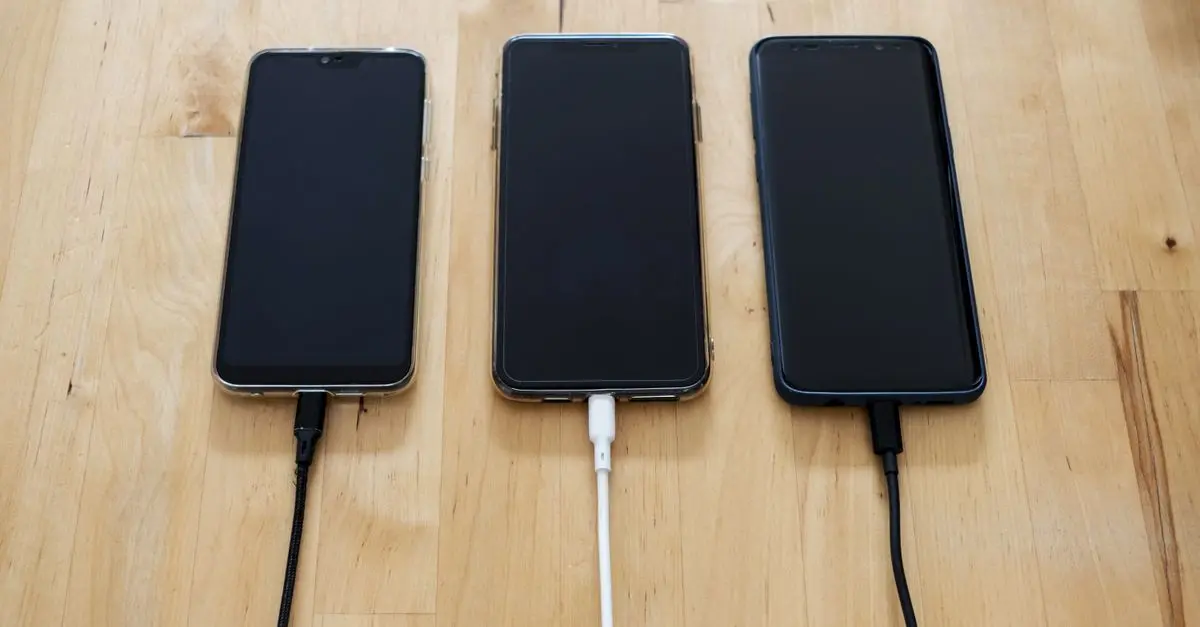
Why Your Android Phone Gets Hot While Charging (And What Actually Helps)
Warm is normal, hot is a warning. Here's the real physics behind charging heat and the fixes that actually lower temperatures.

How to Force Dark Mode on Any Website (Chrome, Edge & Firefox)
Not every website offers a dark mode setting, and white pages at night strain your eyes. This guide shows how to force dark mode across any site in Chrome, Edge, and Firefox, for Chrome 126 and Firefox 128.

How to Extend Laptop Battery Life on Windows (Proven Settings)
Windows laptops can lose 2-3 hours of battery to default settings. These proven tweaks extend runtime significantly, for Windows 11 with modern Intel and AMD chips.

How to Fix a Microphone That's Not Working on Windows Laptops
A dead microphone is usually a privacy setting, not a hardware failure. These fixes restore your mic in minutes, for Windows 11 24H2.

How to Reduce Smartphone Radiation Exposure (Practical Guide)
Phones emit low-level radiofrequency radiation, and while the science is debated, many people prefer to minimize exposure. These practical steps cost nothing and require no special tools.
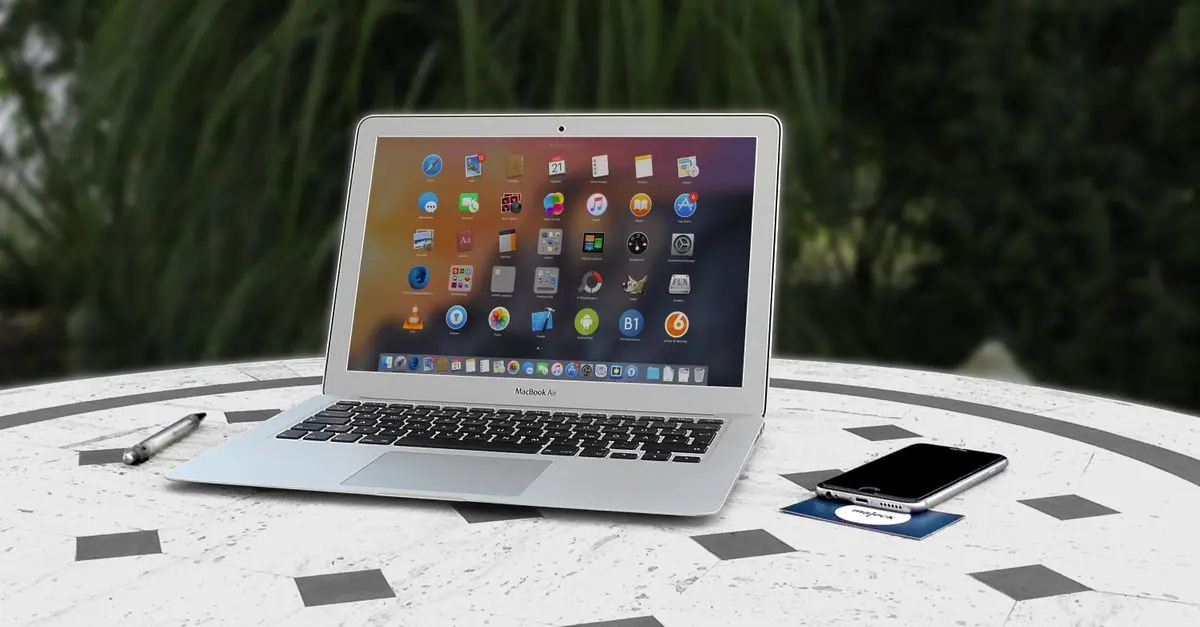
How to Connect Your iPhone to a Windows PC (Files, Photos & Notifications)
Apple and Windows do not always play nicely together, but modern tools make it painless. Here is how to move files, sync photos, and mirror notifications, verified with iOS 19 and Windows 11.
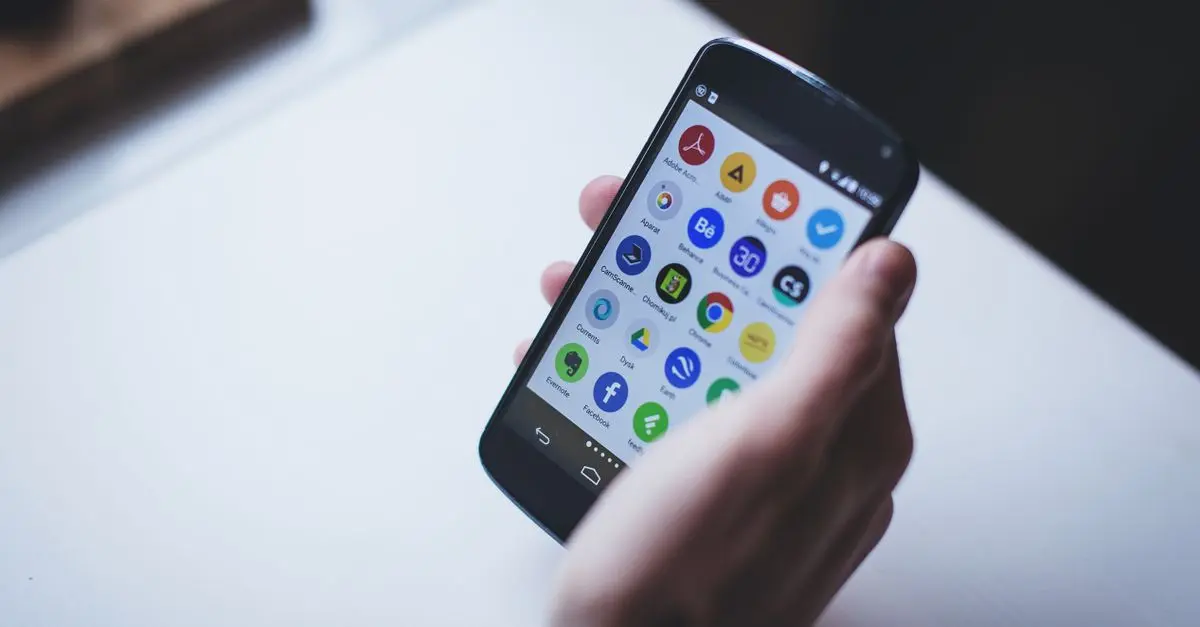
How to Fix Android Apps That Keep Crashing (2026 Guide)
Apps crashing on Android are usually caused by corrupted cache, outdated versions, or an overloaded system. This guide fixes each cause in order, for Android 15 and 16.
How to Set Up Emergency SOS on Android 16 (Complete Guide)
Android 16 can call emergency services, share your location with contacts, and record video automatically when you trigger SOS. Here is how to configure it before you need it.